No wider than a word.
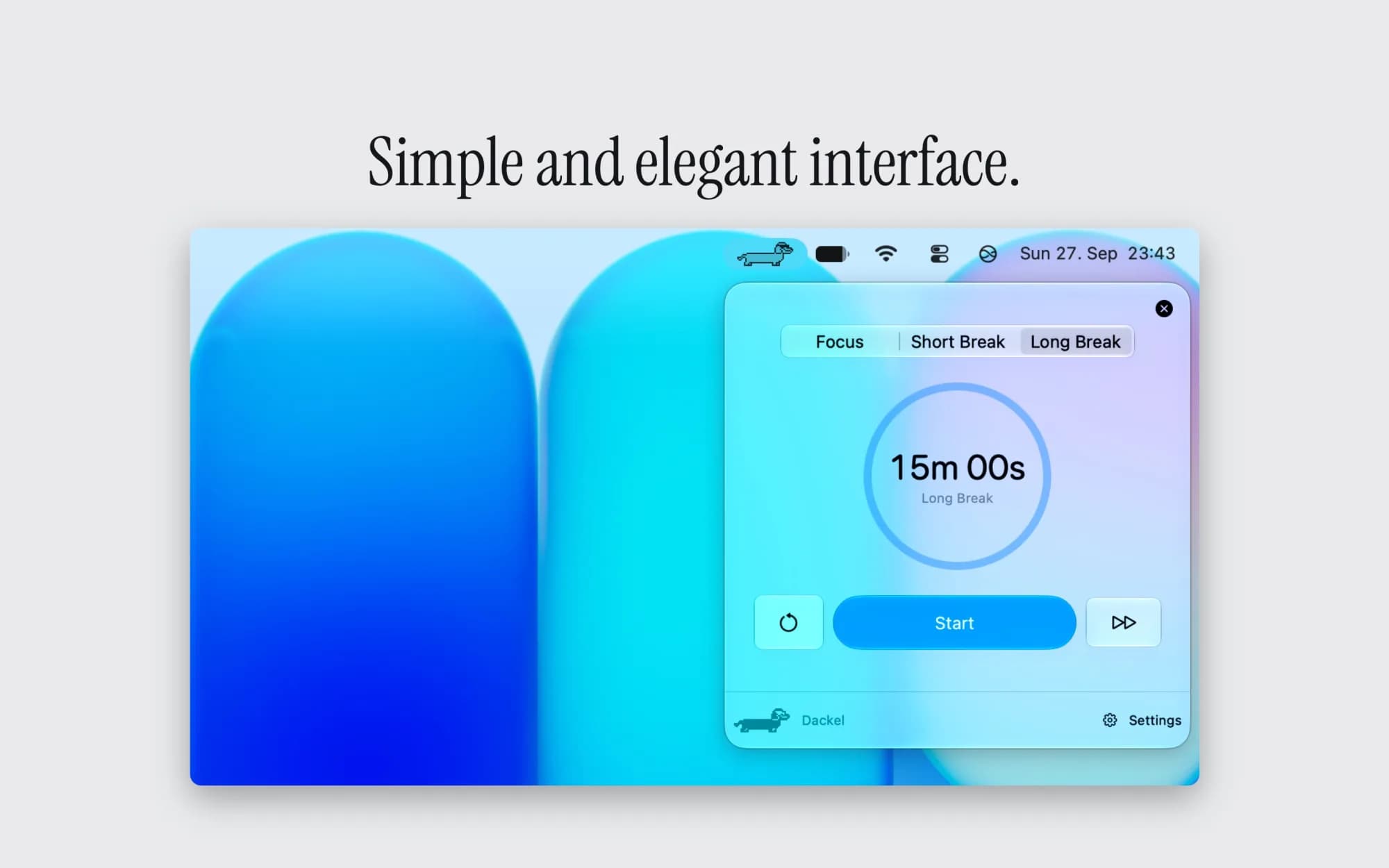
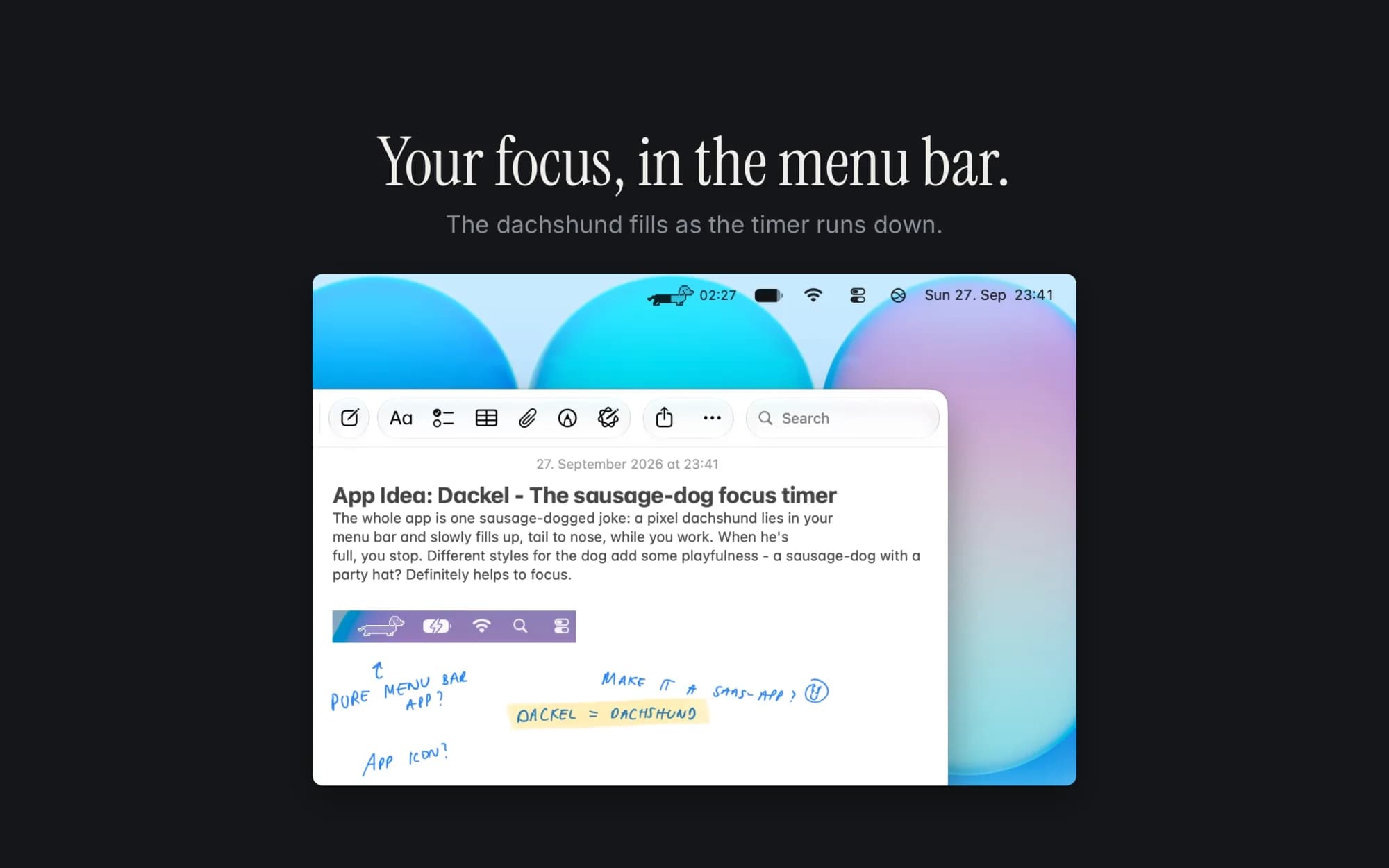
He lives in your menu bar. There is no window, no Dock icon, and nothing to manage. Click him to start, reset or skip a session.
What it does.
Any interval you like
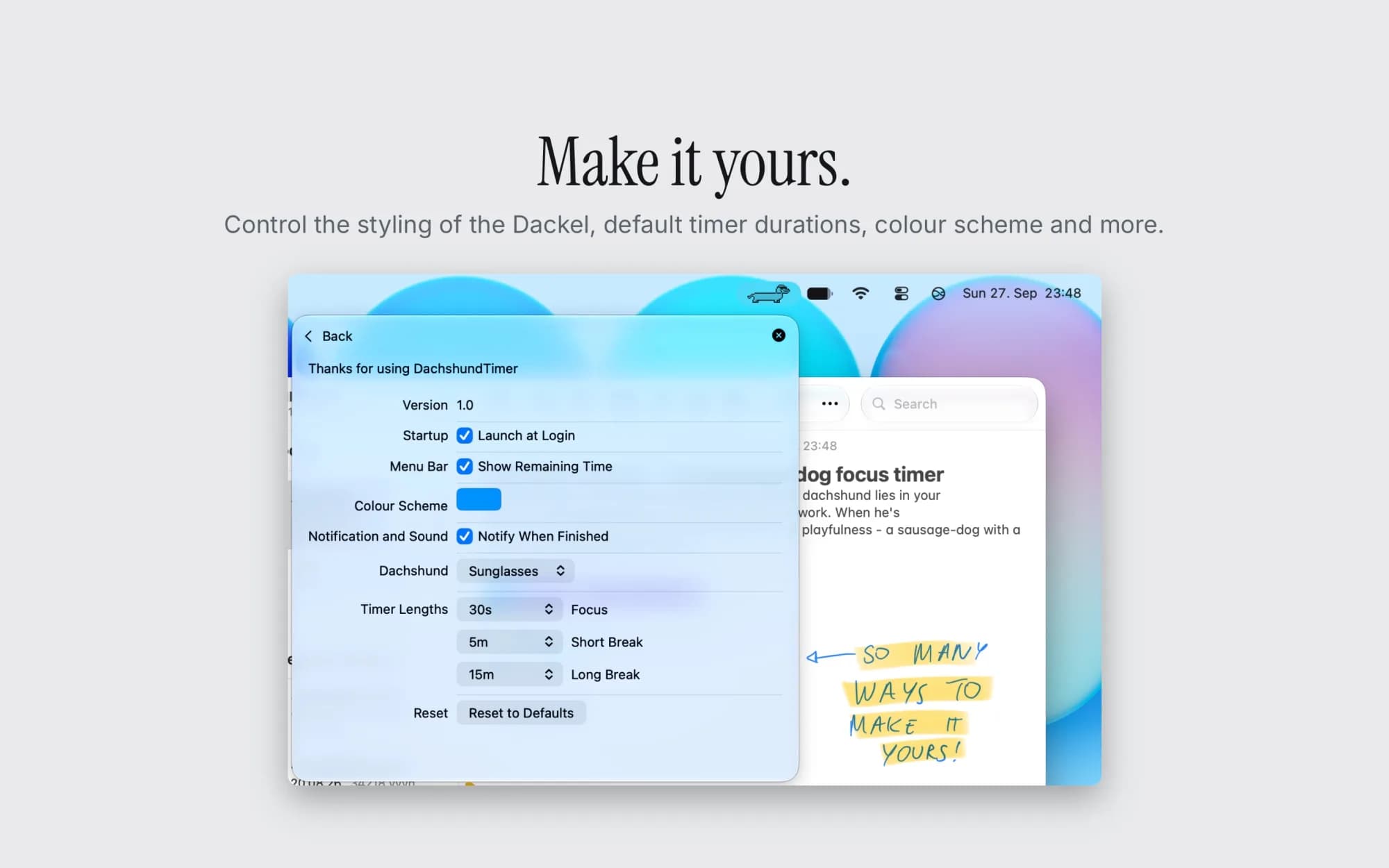
Twenty-five and five to start, or forty-five, or ninety. Focus, short break and long break each have their own length.
Three dogs
Plain, party hat, sunglasses. Pick the one that matches your mood.
Light and dark
Adapts on its own to light mode and dark mode.
Stops with the lid
The timer only runs while your Mac is awake. Close the lid and it stops, so time away does not count toward your session.
Launches at login
Quietly, if you want it to.
What it does not do.
- No account
- No sync
- No cloud
- No streaks to protect
- No weekly report
- No Dock badge
- No website blocking
- No task list
It does not take your apps away or stop you mid-sentence when the time runs out. The dog simply finishes filling and gives you a notification, if you want him to. There is no task list, because you already have one.
Made small on purpose.
The Dackel is drawn by hand, pixel by pixel. It uses almost no memory and no network at all. Nothing leaves your Mac.
One payment.
Buy it once and it is yours. No subscription, no trial that expires, no upgrade prompts.
Dackel is German for dachshund.
Questions? Read the Dackel guide .